Student Guide
Samarth Student Login Guide
The student login dashboard is where many university services appear after registration. This page explains what students can usually do inside the dashboard and how to move through it safely.
Last updated: May 19, 2026
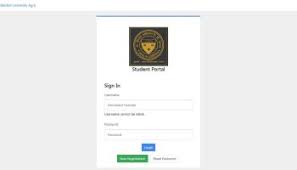
Student Dashboard Overview
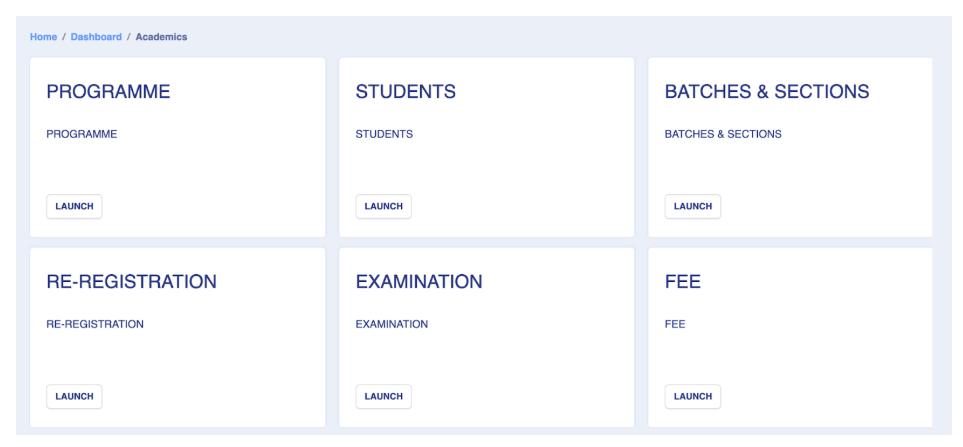
After login, the dashboard may show admission, profile, exam form, fee, hall ticket, result, grievance, and certificate sections. Labels can differ by university, but the purpose is usually similar.
Main Student Services
Students commonly use the dashboard for admission tracking, examination forms, fee payment, hall ticket download, result checking, document verification, and grievance submission.
Student Login Safety Tips
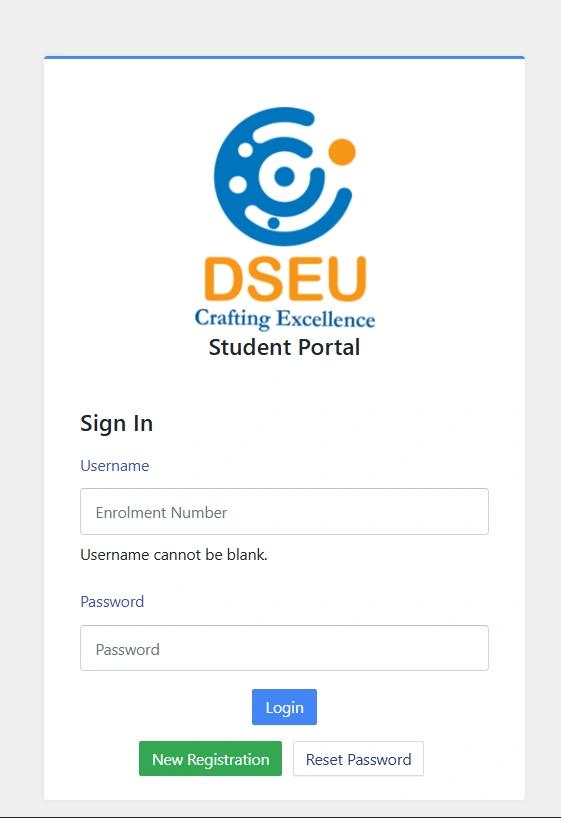
Use a private device when possible, avoid saving passwords on public computers, download receipts immediately, and log out after finishing work.
Step-by-Step Guide
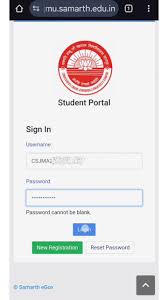
Open the student login page.
Enter registration or enrolment details.
Complete captcha or OTP if required.
Choose the needed dashboard service.
Download or save any receipt before leaving.
Official Portal CTA
Use this guide for preparation only. For final forms, payments, notices, and account actions, open the official Samarth eGov portal or your university website.
Visit Official Samarth PortalFAQs
Is samarthportal.org the official Samarth portal?+
No. samarthportal.org is an independent informational guide. For final confirmation, forms, notices, payments, and official updates, visit the official Samarth portal or your university website.
Which website is the official Samarth eGov portal?+
The official Samarth eGov portal is available at https://samarth.edu.in. External official links on this website open in a new tab.
Why can I not see the exam form section?+
The exam form section may only appear when the university opens the form window.
Can I update my profile from student login?+
Some portals allow profile updates. Important academic corrections may require university approval.
Written by
Samarth Portal Guide Editorial Team
Independent education guide writers
We explain student portal workflows in simple English and remind readers to confirm final details on the official portal or their university website.
External official link
Open the official portal in a new tab when you are ready to complete official actions.
Visit Official Samarth Portal